If you’ve ever designed a brochure, business card, banner, flyer, or even a social media graphic, you’ve probably heard the terms CMYK and RGB. Understanding the difference between these two color modes can make the difference between vibrant, professional-looking printed materials and disappointing color results.
At R&J Bardon Printing & Graphics, one of the most common questions we receive is:
“Why do my printed colors look different than they do on my computer screen?”
The answer almost always comes down to CMYK vs. RGB.
What is RGB?
RGB stands for:
- Red
- Green
- Blue
RGB is the color system used by digital displays including:
- Computer monitors
- Smartphones
- Tablets
- TVs
- Digital signage
- Websites
- Social media graphics
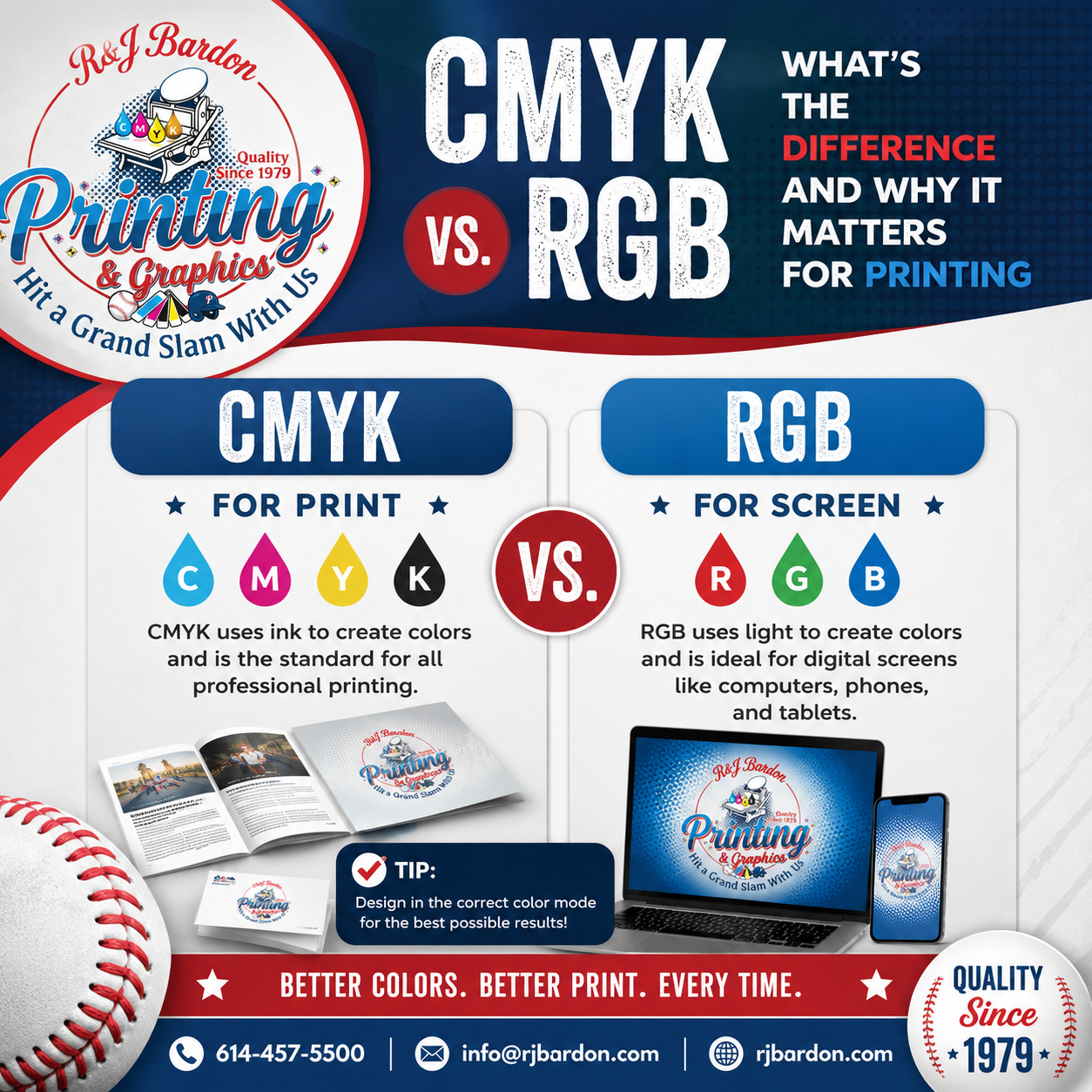
RGB creates colors by combining different amounts of red, green, and blue light. Since light is being emitted from a screen, RGB can produce incredibly bright and vibrant colors.
Best Uses for RGB
RGB is ideal for:
- Websites
- Social media graphics
- Email marketing
- Online advertisements
- Digital presentations
- Videos
- Mobile apps
If your design will only ever be viewed on a screen, RGB is the right choice.
What is CMYK?
CMYK stands for:
- Cyan
- Magenta
- Yellow
- Black (Key)
Unlike RGB, CMYK uses ink instead of light.
Commercial printers layer these four ink colors together to create millions of printable colors.
Every professionally printed product is produced using CMYK, including:
- Business cards
- Brochures
- Flyers
- Postcards
- Booklets
- Catalogs
- Manuals
- Letterheads
- Envelopes
- Presentation folders
- Banners
- Yard signs
- Posters
If your project will be printed, it should be designed in CMYK whenever possible.
Why Do Colors Change?
This is one of the biggest frustrations customers experience.
A bright neon blue on your computer may print as a softer royal blue.
Why?
Simply put:
Your monitor uses light.
Your printer uses ink.
Because RGB has a larger color range (known as a color gamut), certain colors that appear on a screen simply cannot be reproduced with CMYK inks.
Some of the biggest differences include:
- Neon colors
- Electric blues
- Bright greens
- Fluorescent pinks
- Vivid oranges
These colors often appear less vibrant when printed.
CMYK vs. RGB Comparison
| Feature | RGB | CMYK |
|---|---|---|
| Uses Light | ✔ | ✘ |
| Uses Ink | ✘ | ✔ |
| Best for Screens | ✔ | ✘ |
| Best for Printing | ✘ | ✔ |
| Brighter Colors | ✔ | Limited |
| Used for Commercial Printing | ✘ | ✔ |
Why Professional Designers Work in CMYK
When designers create artwork specifically for print, they typically build the file in CMYK from the beginning.
This allows them to:
- Predict printed colors more accurately
- Minimize color shifts
- Ensure logos stay consistent
- Produce professional marketing materials
- Avoid costly reprints
Starting in CMYK saves time and helps produce better print results.
What Happens if You Send an RGB File to a Printer?
Most professional printers—including ours—can convert RGB files to CMYK.
However, automatic conversion may result in:
- Duller colors
- Less vibrant images
- Unexpected color shifts
- Darker photographs
- Slight changes in branding colors
While many RGB files print well, converting the artwork before printing often produces more predictable results.
How to Convert RGB to CMYK
Most professional design software makes conversion easy.
Popular programs include:
- Adobe Photoshop
- Adobe Illustrator
- Adobe InDesign
- CorelDRAW
- Affinity Designer
If you’re unsure how to convert your files, don’t worry—we can help prepare your artwork before it goes to press.
Tips for Better Print Color
To achieve the best possible printed results:
- Design in CMYK whenever possible.
- Use high-resolution images (300 DPI).
- Embed or outline fonts.
- Include bleed when required.
- Use professional PDF files for final artwork.
- Request a proof before large print runs.
- Work with an experienced commercial printer.
These simple steps help eliminate surprises and produce high-quality printed materials.
Why Choose R&J Bardon Printing & Graphics?
At R&J Bardon Printing & Graphics, we help customers get professional print results every day.
Whether you’re printing:
- Business cards
- Booklets
- Direct mail
- Marketing materials
- Presentation folders
- Manuals
- Posters
- Large-format graphics
- Banners
- Signs
Our experienced team reviews your files and helps ensure your colors print as expected.
Our goal is to make the printing process simple while delivering exceptional quality, fast turnaround times, and outstanding customer service.
Need Help Preparing Your Files?
Not sure whether your artwork is in RGB or CMYK?
No problem.
Our team can review your files before printing and recommend any adjustments needed for the best possible results. We’ll work with you to ensure your project looks professional from the first proof to the finished product.
Request a Quote Today
Whether you’re printing one project or managing ongoing marketing materials, R&J Bardon Printing & Graphics is here to help.
R&J Bardon Printing & Graphics
📍 4676 Larwell Drive
Columbus, OH 43220
Request a Quote today and let our experts help you achieve vibrant, professional printing with every order.